
Skip to content
TechToolsHQ
NewsReviewsGuidesTech 101Tech SeriesToolsNewsletter
TechToolsHQ

Independent, research-driven tech coverage — breaking news, in-depth reviews, buying guides, and technical tutorials to help you understand and choose with confidence.

Explore
NewsReviewsGuidesTech 101Tech SeriesFree Tools
Legal
About UsOur AuthorsContact UsPrivacy PolicyTerms of ServiceCopyright & DMCAAffiliate DisclosureEditorial PolicyAdvertise With Us

© 2026 TechToolsHQ. All rights reserved.

Tech Series/Database Management System/Cardinality Constraints in DBMS: One-to-One, One-to-Many, and Many-to-Many
Database Management System · Part 3 of 4

Cardinality Constraints in DBMS: One-to-One, One-to-Many, and Many-to-Many

How many? The constraint that defines how entities relate — with a diagram for each type.

By Himanshu Bhatt· 2 min read· October 1, 2026

Cardinality in DBMS — article hero.
Key Takeaways · TL;DR
  • A cardinality constraint defines the maximum number of entity instances that can take part in a relationship.
  • There are four types: one-to-one (1:1), one-to-many (1:N), many-to-one (M:1), and many-to-many (M:N).
  • One-to-one (1:1): each side maps to exactly one of the other — Person and Passport.
  • One-to-many (1:N): one entity links to many, and each of the many links back to one — Department and Employees.
  • Many-to-one (M:1): the same relationship as one-to-many, read from the many side — Employees and Department.
  • Many-to-many (M:N): many on both sides — Students and Courses; in a relational database this needs a junction table.
☰ On this page(show)(close)
  • 1.What is a cardinality constraint?
  • 2.One-to-One (1:1)
  • 3.One-to-Many (1:N)
  • 4.Many-to-One (M:1)
  • 5.Many-to-Many (M:N)
  • 6.The four cardinalities at a glance
On this page
  • 1.What is a cardinality constraint?
  • 2.One-to-One (1:1)
  • 3.One-to-Many (1:N)
  • 4.Many-to-One (M:1)
  • 5.Many-to-Many (M:N)
  • 6.The four cardinalities at a glance
INFO

Part 3 of the Database Management System series. In Part 2 we drew ER diagrams — entities, attributes, and the relationships between them. This part zooms into those relationships and asks one question: how many? That “how many” is the cardinality constraint.

What is a cardinality constraint?

A cardinality constraint defines the maximum number of relationship instances an entity can take part in — in plain terms, how many entities on one side of a relationship can be linked to entities on the other side. It is what turns a vague “these two things are related” into a precise rule like “one department, many employees.”

Cardinality comes in four types. The notation reads left-to-right as (left side : right side), where 1 means “at most one” and M or N means “many”:

  • One-to-one (1:1)
  • One-to-many (1:N)
  • Many-to-one (M:1)
  • Many-to-many (M:N)

One-to-One (1:1)

In a one-to-one relationship, each entity on one side is linked to exactly one entity on the other side, and vice versa. A person has exactly one passport, and each passport belongs to exactly one person. Other everyday examples are a country and its capital city, or an employee and their assigned desk.
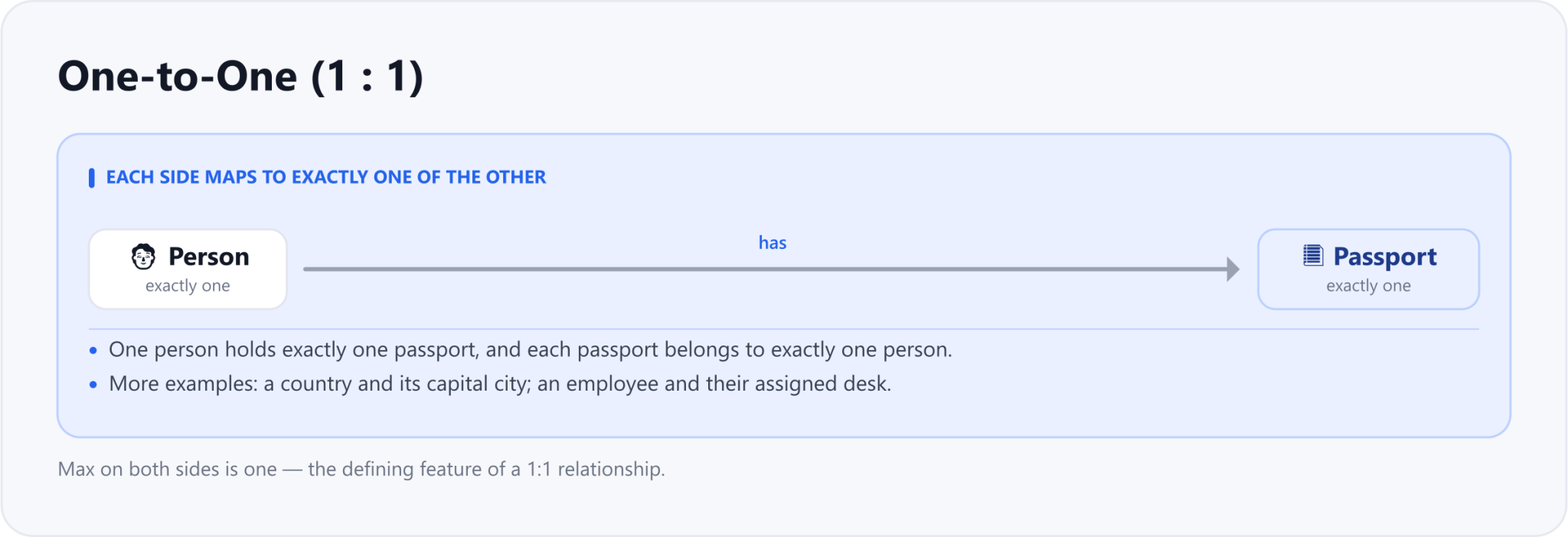
One-to-one (1:1): a Person has exactly one Passport, and each Passport belongs to exactly one Person.
One-to-one: each side maps to exactly one of the other.
●One to one 1:1
Person one
has
Passport one
  • •One person holds exactly one passport, and each passport belongs to one person.
  • •Examples: a country and its capital city; an employee and their assigned desk.

One-to-Many (1:N)

In a one-to-many relationship, one entity on the left can be linked to many entities on the right, but each of those many links back to just one. One department has many employees, yet every employee belongs to a single department. A mother and her children, or a customer and the orders they place, follow the same pattern. This is the most common relationship in real database schemas.
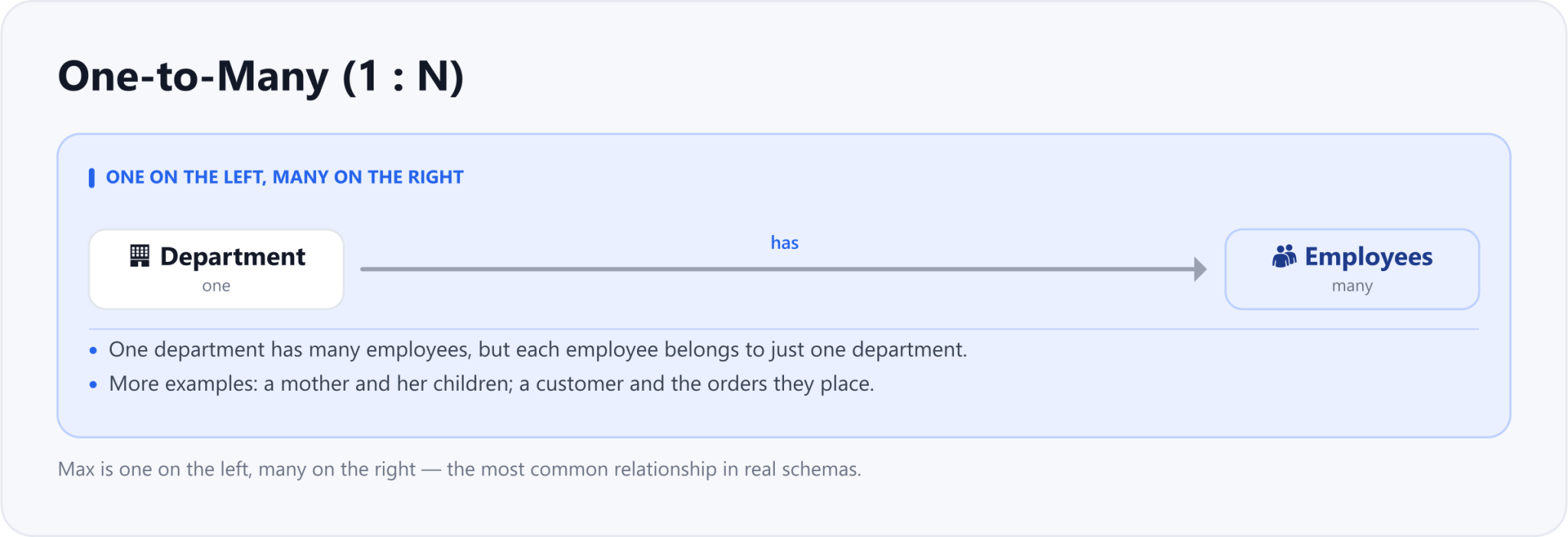
One-to-many (1:N): one Department has many Employees, but each Employee belongs to one Department.
One-to-many: one on the left, many on the right.
●One to many 1:N
Department one
has
Employees many
  • •One department has many employees; each employee belongs to one department.
  • •Examples: a mother and her children; a customer and the orders they place.

Many-to-One (M:1)

Many-to-one is the exact same relationship as one-to-many — just read from the other direction. Many employees belong to one department. Whether you call a link one-to-many or many-to-one depends only on which side you start from, so in a schema they describe the very same connection.
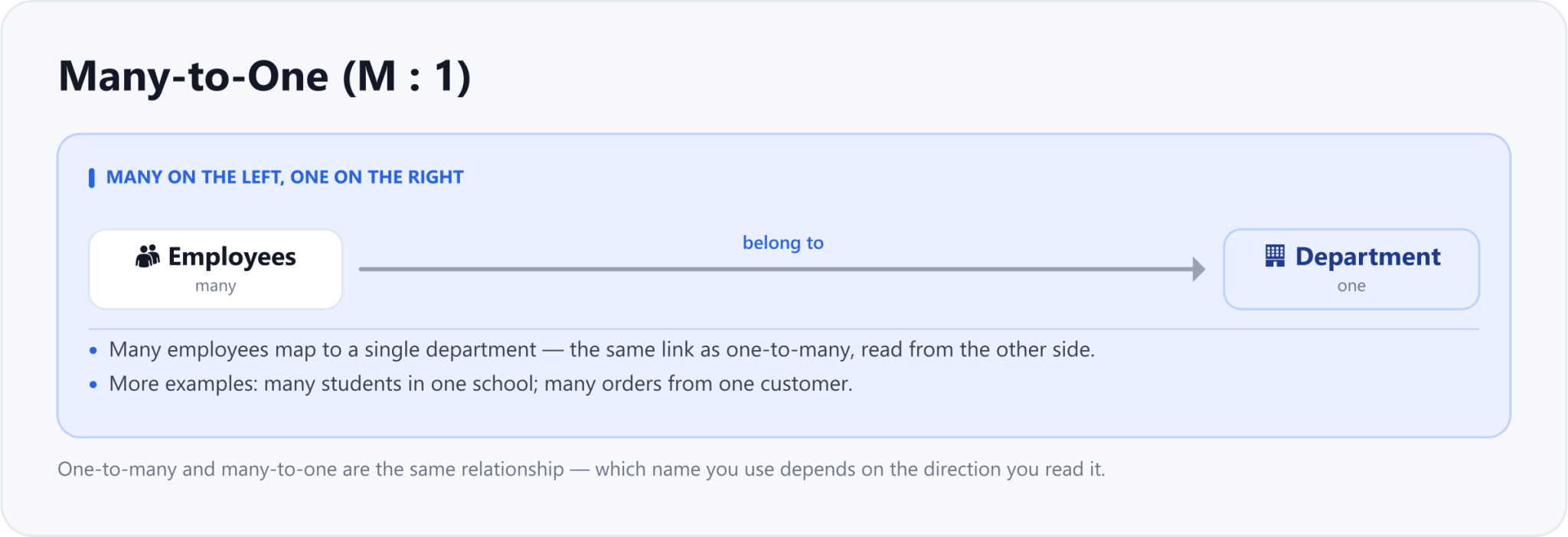
Many-to-one (M:1): many Employees belong to one Department — the same relationship as one-to-many, read from the many side.
Many-to-one: the one-to-many link, read from the many side.
●Many to one M:1
Employees many
belong to
Department one
  • •Many employees map to one department - the same link read from the other side.
  • •Examples: many students in one school; many orders from one customer.

Many-to-Many (M:N)

In a many-to-many relationship, both sides can link to many of the other. Each student enrolls in many courses, and each course has many students; authors and books work the same way. A relational database cannot store a many-to-many link directly, so it is implemented with a junction (join) table — for example an Enrollment table holding pairs of student_id and course_id.
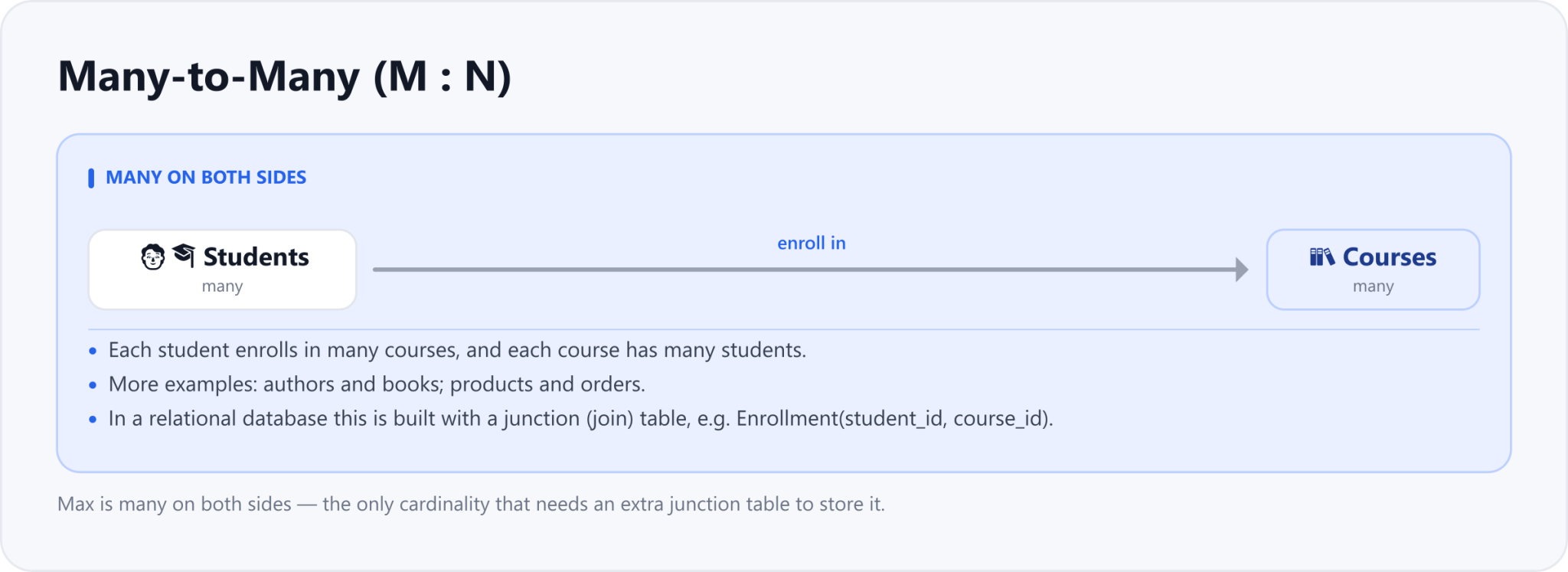
Many-to-many (M:N): each Student enrolls in many Courses and each Course has many Students; in a relational database this needs a junction table.
Many-to-many: many on both sides — stored with a junction table.
●Many to many M:N
Students many
enroll in
Courses many
  • •Each student enrolls in many courses, and each course has many students.
  • •Needs a junction table like Enrollment with student id and course id.
  • •Examples: authors and books; products and orders.

The four cardinalities at a glance

Put side by side, the four types are simply the combinations of “one” and “many” on each end of a relationship:

CardinalityWhat it meansExampleNotation
One-to-OneEach side maps to exactly one of the otherPerson — Passport1 : 1
One-to-ManyOne on the left links to many on the rightDepartment — Employees1 : N
Many-to-OneMany on the left link to one on the rightEmployees — DepartmentM : 1
Many-to-ManyMany on both sides (needs a junction table)Students — CoursesM : N
INFO

Cardinality is not just theory — it decides how your tables are wired together. A one-to-many link becomes a foreign key on the “many” side; a many-to-many link becomes a whole junction table. Get the cardinality right on the ER diagram and the schema almost designs itself. Next in the series, we turn these relationships into real tables.

This article was drafted with AI assistance and reviewed by a human editor before publishing.

Share
Series: Database Management System

Part 3 — Cardinality Constraints in DBMS: One-to-One, One-to-Many, and Many-to-Many

Part 3 of 4
← Previous partPart 2 — What Is an ER Diagram? Entity Sets, Attributes, and Relationship SetsNext part →Part 4 — Participation Constraints in DBMS: Total vs Partial

Enjoying the Database Management System series?

TechToolsHQ is an independent, reader-supported tech platform. If this article saved you time, solved a tough problem, or helped you learn a new skill, consider supporting our work. Your support helps us keep our in-depth series 100% free and updated for everyone.

100% optional · Reader supported · Independent researchSupport our work

Don't miss the next deep-dive

Weekly breakdowns of the tools students and builders actually use.

No spam·Unsubscribe any time·Privacy-first